Commodities & Gold XAUUSDT Guide
Metals and energy research with multi-timeframe tools
Research supported commodity perpetuals — including gold as XAUUSDT — with screeners, indicators and Chart workflows. Keep instrument naming clear when comparing with other platforms that quote XAUUSD.
Open Live Tool →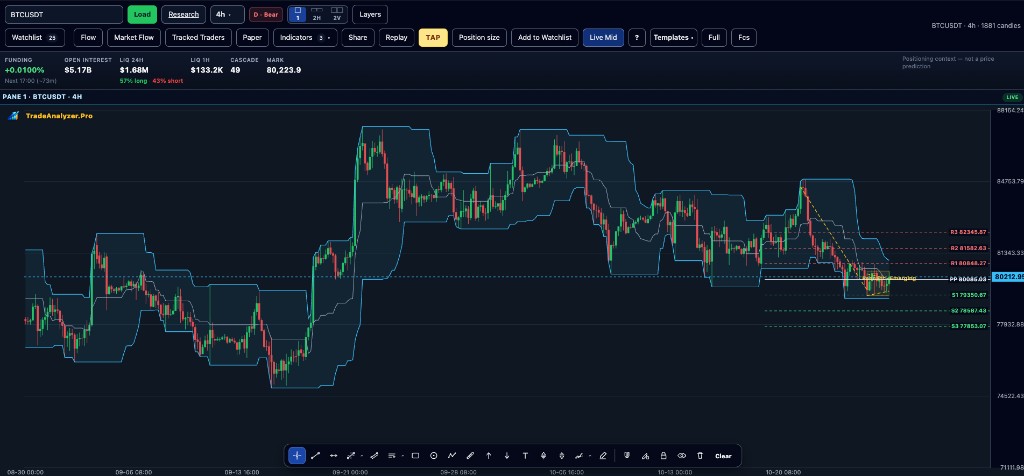
Key points
- Gold on TradeAnalyzer.Pro: XAUUSDT under Commodities
- Combine trend and volatility tools before sizing risk
- Use commodities screener for shortlists
- Validate on Chart; optional TAP for rule review
- Cross-check news/context when macro drivers dominate
Why this matters
Gold and energy markets often move on macro catalysts. A structured screener + chart workflow keeps you from chasing every headline without a technical plan — while the XAUUSDT naming avoids quote confusion.
How to use this in your workflow
1. Open Commodities
Browse metals and energy instruments in the commodities hub.
2. Study gold XAUUSDT
Open the XAUUSDT symbol page and multi-timeframe readings.
3. Confirm structure
Use Chart for structure and invalidation before relying on any signal.
4. Optional context
Add Market News digests when macro themes matter; still confirm on Chart.
Common pitfalls
- Confusing XAUUSDT with XAUUSD from another venue
- Ignoring volatility expansion around event risk
- Using commodity filters without chart structure
Live tools on TradeAnalyzer.Pro
Frequently asked questions
XAUUSDT vs XAUUSD?
Active gold on TradeAnalyzer.Pro is XAUUSDT under Commodities. XAUUSD may refer to a different quote elsewhere — always check the instrument page.
Which commodities are covered?
Supported metals and energy USDT perpetuals as listed in the live commodities area (platform count may update over time).
Can I use RSI/MACD here?
Yes — apply the same multi-timeframe education guides, then open the live commodity tools.
Continue on the live platform
Apply what you learned with screeners, charts, TAP and multi-asset research on TradeAnalyzer.Pro.
Open Live Platform →