Forex Technical Analysis Guide
Multi-timeframe research for major currency pairs
Analyze supported forex pairs with screeners, indicator filters and Chart/TAP workflows. Use higher timeframes for bias and lower timeframes for timing — the same disciplined process as crypto research, adapted to FX session behaviour.
Open Live Tool →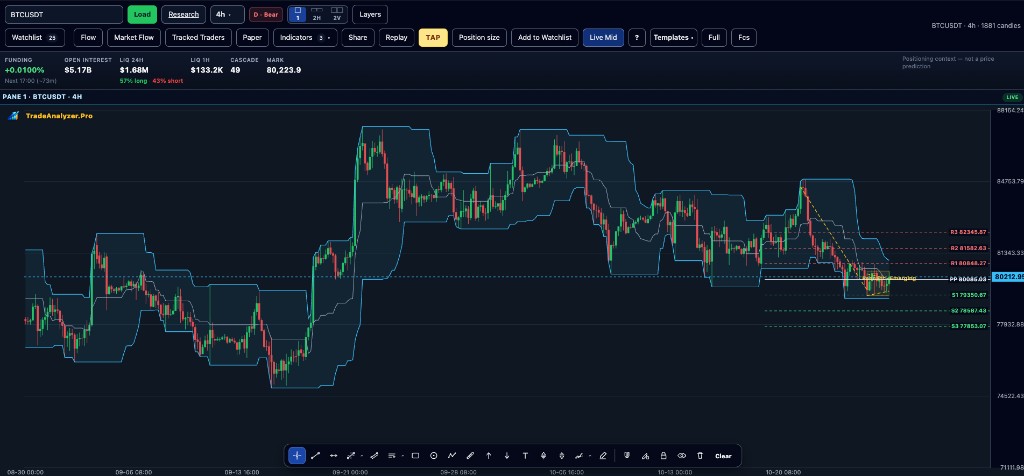
Key points
- Focus on major pairs available on the platform
- Align 15m–1d readings before acting
- Use the forex screener to shortlist, then confirm on Chart
- Education only — not trade execution
- Respect session liquidity when interpreting short timeframes
Why this matters
Forex research benefits from a clean multi-timeframe stack: bias on 4h/1d, timing on 1h/15m. Screeners compress pair scanning so you spend time on structure, not on clicking charts one by one.
How to use this in your workflow
1. Open Forex
Enter the forex market area and pick your working timeframe.
2. Screen pairs
Filter by momentum, trend strength and volatility to build a shortlist.
3. Chart confirmation
Check structure, invalidation and risk on Chart before any decision.
4. Optional TAP
If you use rule-based ideas, review them on loaded candles with TAP.
Common pitfalls
- Trading 15m noise against a conflicting daily bias
- Ignoring that the platform is research-only, not a broker
- Copying crypto volatility assumptions 1:1 into FX
Live tools on TradeAnalyzer.Pro
Related education guides
Frequently asked questions
How many pairs are supported?
The live platform documents 11 supported forex pairs for research across 15m, 1h, 4h and 1d.
Is this a broker?
No. TradeAnalyzer.Pro is a research and analysis platform and does not route live orders.
Same indicators as crypto?
Yes for core technical research; always confirm on the live forex tool pages.
Continue on the live platform
Apply what you learned with screeners, charts, TAP and multi-asset research on TradeAnalyzer.Pro.
Open Live Platform →