Candlestick Pattern Scanner Guide
Find supported patterns, then confirm on Chart
Use the candlestick pattern scanner to surface supported formations, then review trend and market structure on Chart before treating any pattern as actionable. Patterns are research flags, not orders.
Open Live Tool →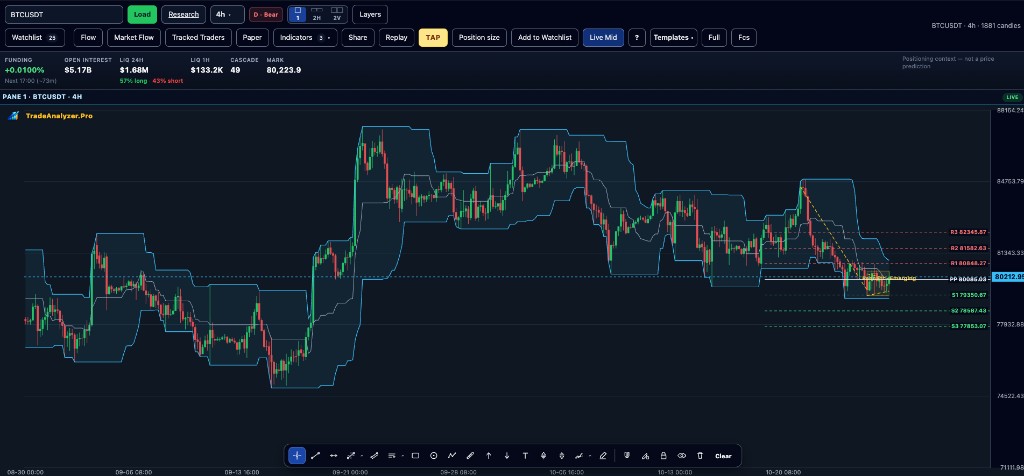
Key points
- Patterns are candidates, not orders
- Always confirm with higher-timeframe context
- Combine with volume or trend filters when useful
- Educational research workflow only
- Prefer confluence over single-candle storytelling
Why this matters
Scanning patterns across a universe is faster than eyeballing every chart — but only if you still demand structure and risk rules afterward.
How to use this in your workflow
1. Run the scanner
Select the patterns and market universe you care about.
2. Shortlist
Keep only symbols that also fit your trend/momentum rules.
3. Chart check
Confirm structure and invalidation on Chart.
4. Optional volume context
Cross-check volume-spike or participation tools when breakouts matter.
Common pitfalls
- Trading every pattern hit
- Ignoring opposing higher-timeframe trend
- Forgetting pattern lists can change on the live tool
Live tools on TradeAnalyzer.Pro
Related education guides
Frequently asked questions
Which patterns are supported?
The live scanner lists currently supported candlestick patterns — always check the tool page for the up-to-date set.
Can patterns alone be traded?
No. Treat them as research flags and confirm with broader context.
Next step after a hit?
Open Chart, mark invalidation, then decide — optionally with TAP rules.
Continue on the live platform
Apply what you learned with screeners, charts, TAP and multi-asset research on TradeAnalyzer.Pro.
Open Live Platform →